
Teleprompter for iPhone
Read your script.
Look at the lens.
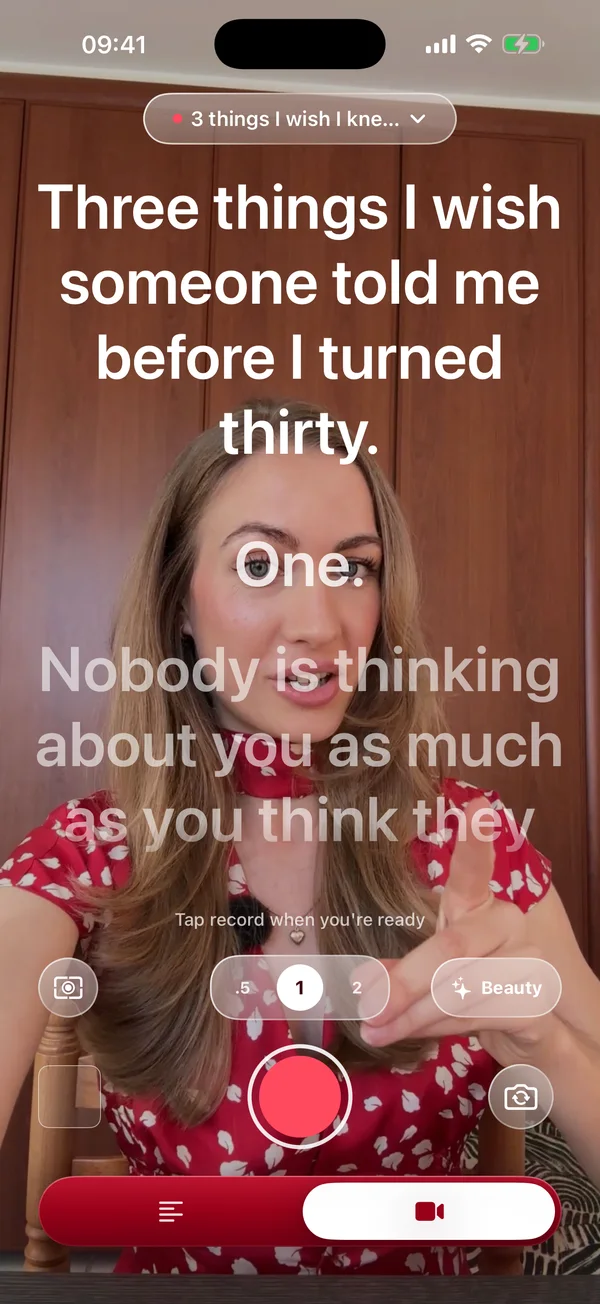
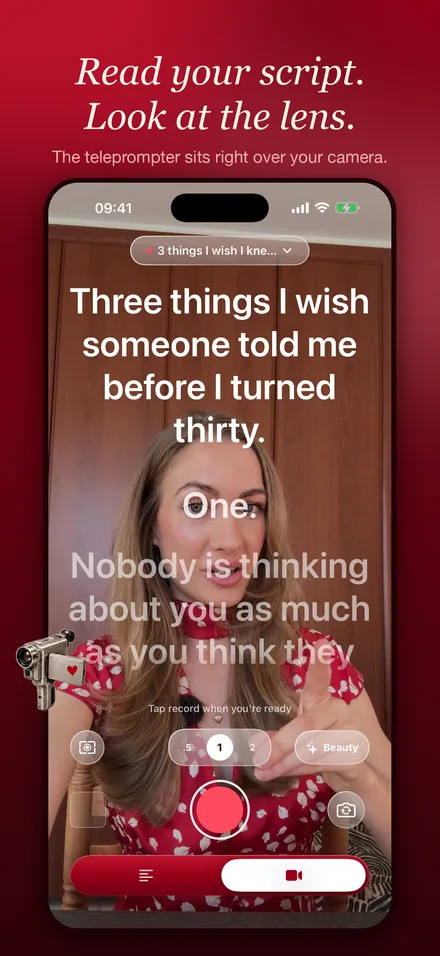
YapPlease puts your script right under the camera. It follows your voice line by line and waits when you pause, so you can say every word and still look like you're talking to one person.
For
Free to download · 3-day free trial · iOS 17+

- Follows your voice on-device
- Clap for the next lines
- Soft, natural look live or after
- No account no ads
How YapPlease works
Write or import your script
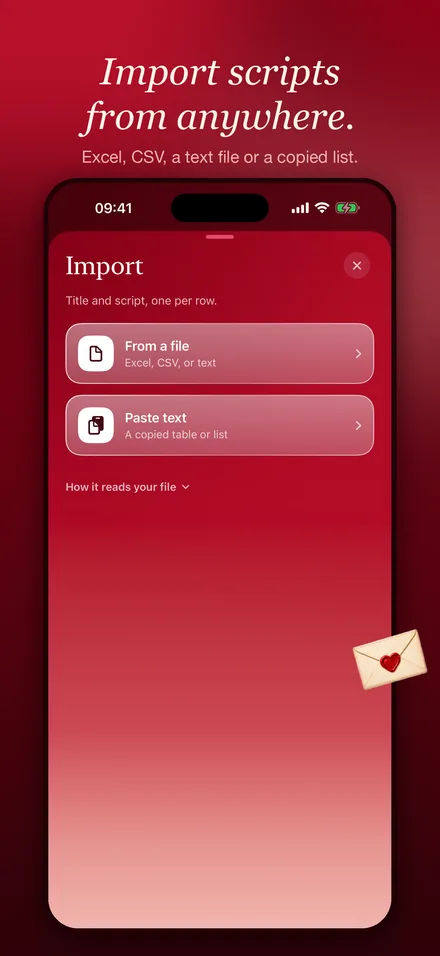
Type it, paste it, or import text, CSV and Excel files. Hear it read aloud first if you like.
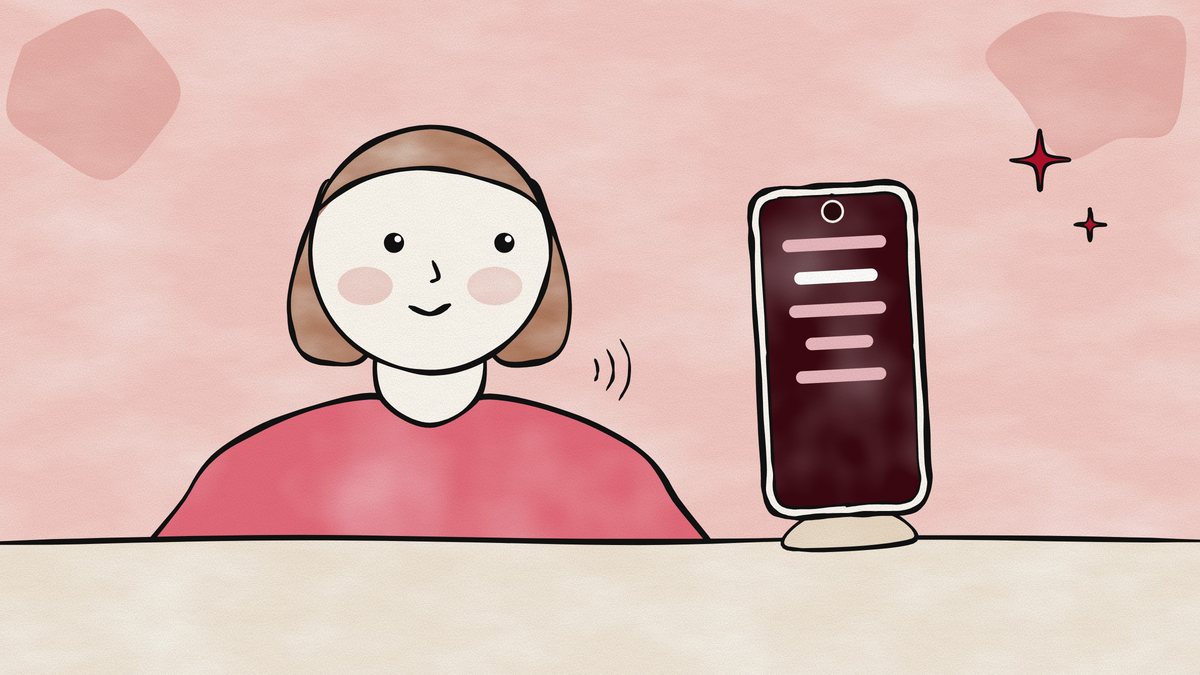
Talk to the lens
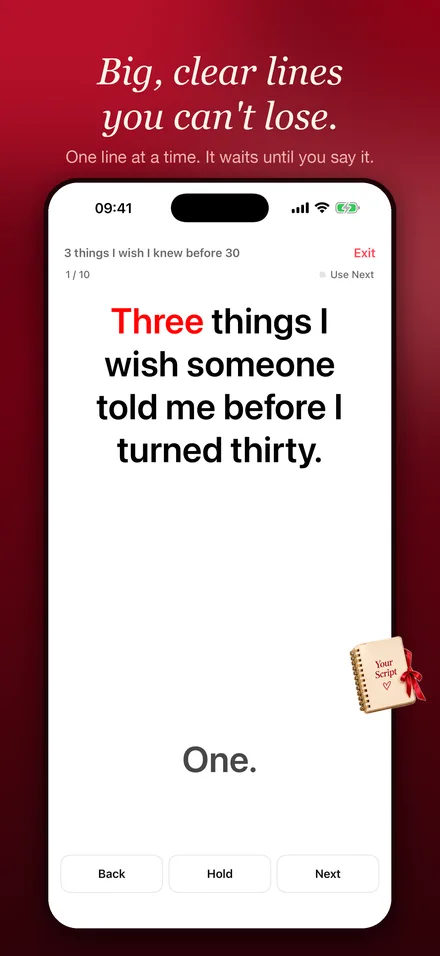
Your lines sit right under the camera. Smart follow moves them as you speak and waits when you pause.
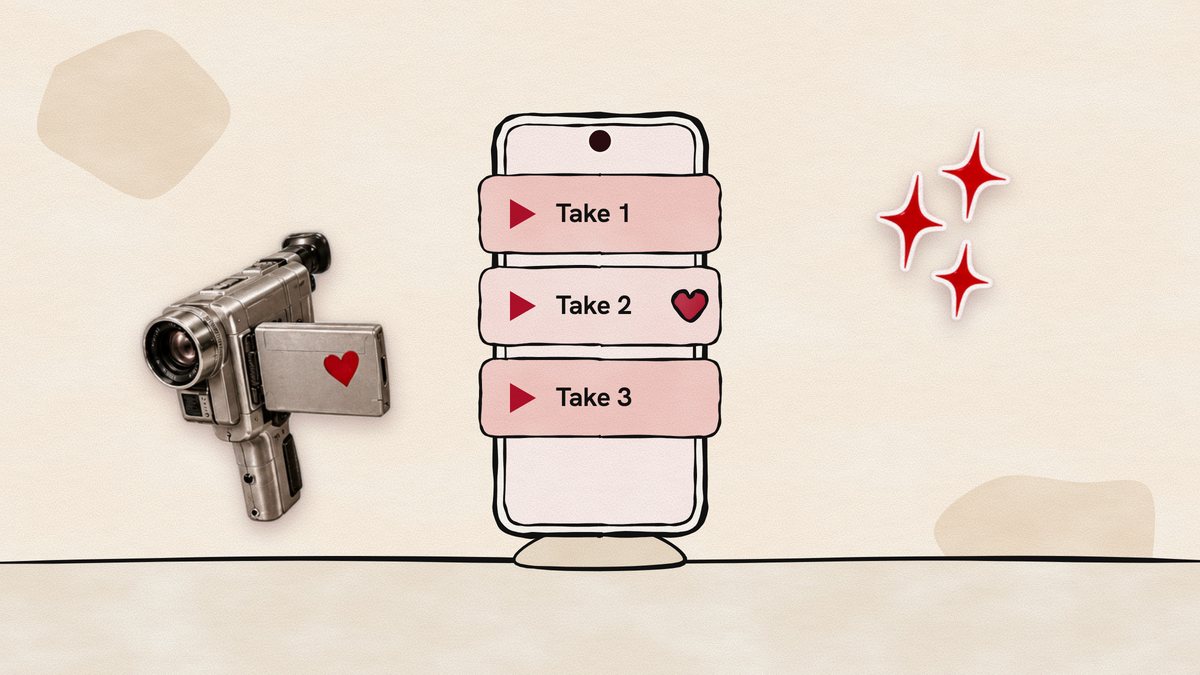
Record, keep the best take
Film as many takes as you like. Every take is kept in Films, so you can pick the best one.
Smart follow
A teleprompter that listens
Most prompters scroll at a fixed speed, so you end up chasing the text or waiting for it. YapPlease follows you instead. Speak slowly, speed up, stop for a breath: the script keeps your place.
- Speech recognition runs on your iPhone. Your voice isn't sent anywhere.
- Prefer a steady speed? Pick one, from slow and thoughtful to fast and punchy.
- Big, clear text, sized the way you like it.
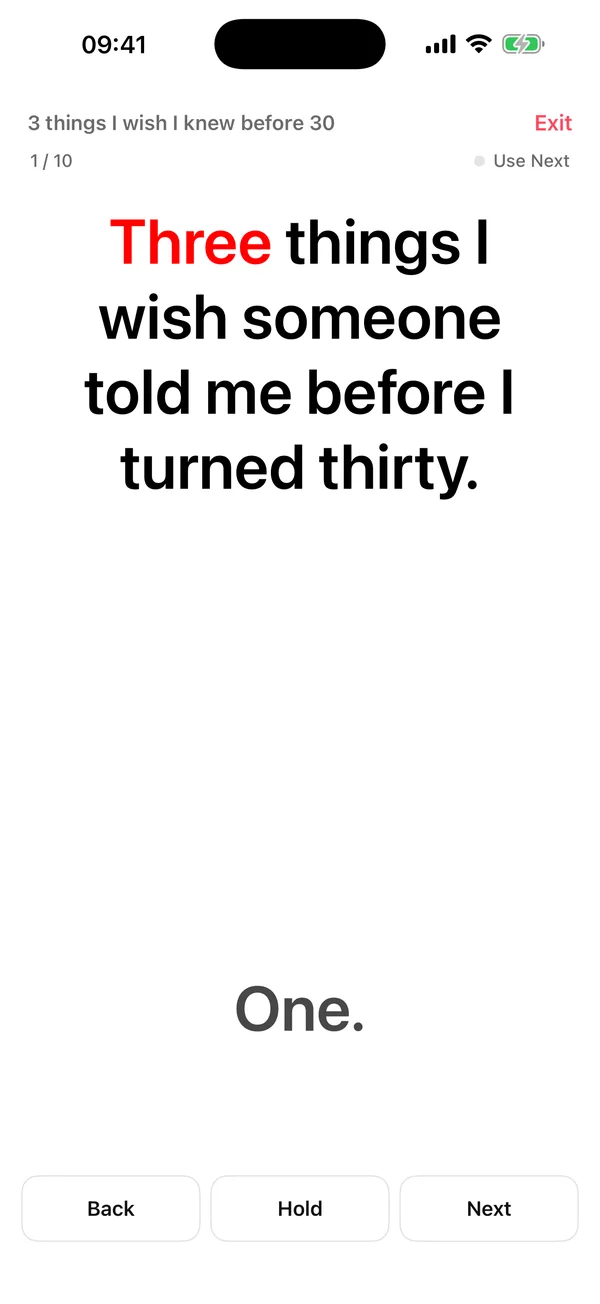

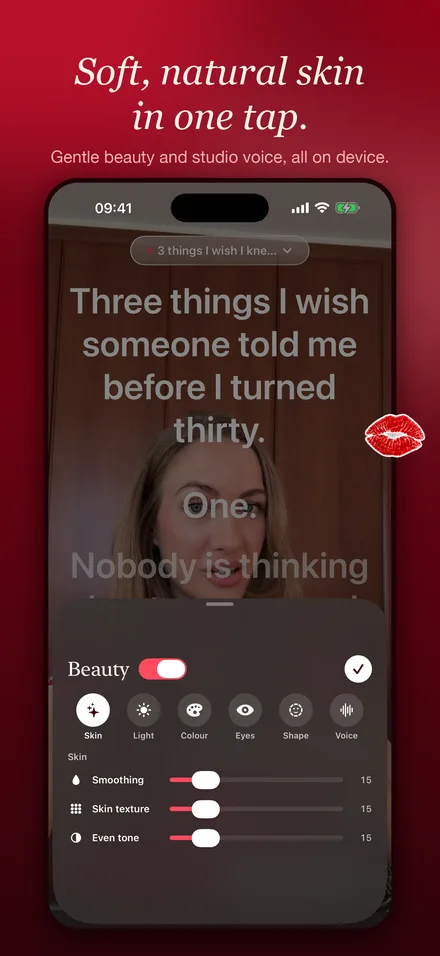
Soft, natural look
Look like yourself on a good day
Gentle skin smoothing and soft light, with your eyes, lips and hair kept sharp. Turn it on while you record, or add it to a take afterwards. It's off until you want it.
Read more: why you look different on camera.
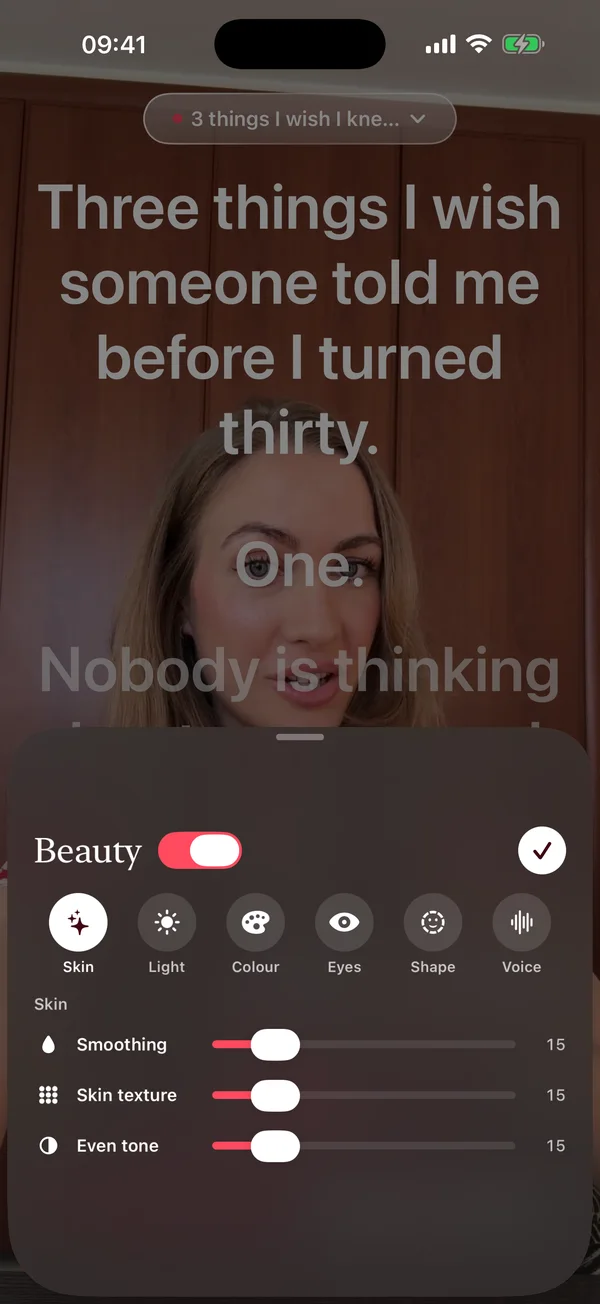

Scripts
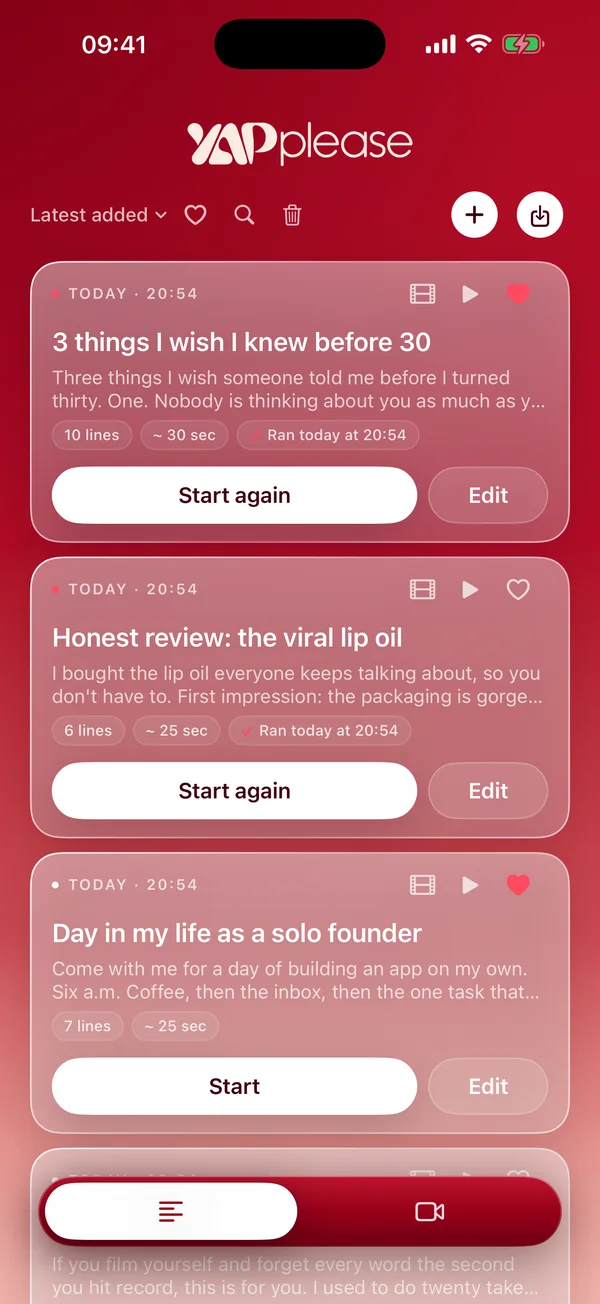
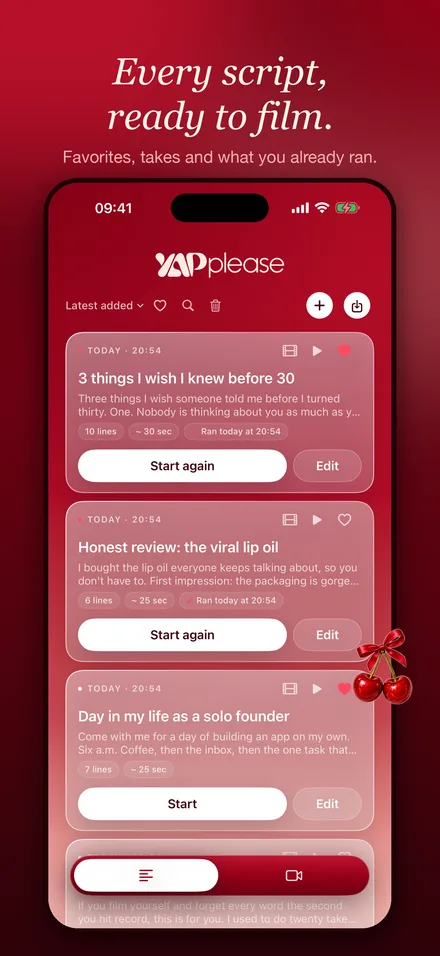
All your scripts, ready to film
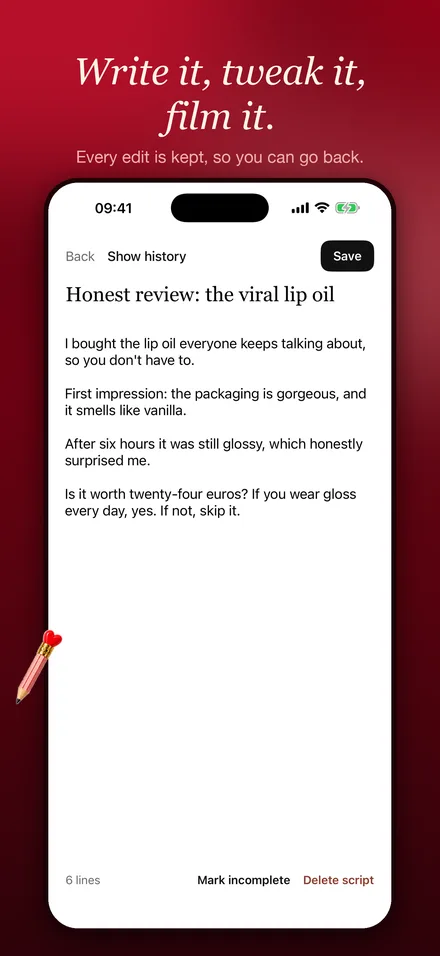
Write in the editor, with earlier versions kept for you. Paste a whole batch, or import a spreadsheet where every row becomes a script. Favourite the ones you're filming this week.
- Import text, CSV and Excel, or share files into YapPlease
- Hear any script read aloud before you film it
- Free, even without a subscription


What you film stays on your phone
No account and no ads. Scripts, videos and your voice stay on your iPhone. Speech recognition and face retouching run on the device. We have no servers that could see them.
Take a look inside
Made for people who talk to a camera

Creators
Reels, TikToks and YouTube Shorts from a script, without the dead-eyed reading look.

Founders and brands
Product demos, UGC ads and updates you can film in one sitting.

Coaches and teachers
Lessons and course videos where every point lands in the right order.
Anyone on the spot
Video applications, self-tapes and speeches you want to get right.
Teleprompter, cue cards or memorizing?
Three ways to get your words right on camera, and when each one makes sense.
| Phone teleprompter | Cue cards or notes | Memorizing | |
|---|---|---|---|
| Where your eyes go | Right under the lens | Away from the lens | The lens |
| Exact wording | Yes | Key points only | If you remember it |
| Prep time | Paste and go | A few minutes | Hours for a long script |
| Best for | Scripts you film often, ads, lessons | Loose talks and lives | Short lines, acting |
More: how to use a teleprompter on your phone · how to memorize a script fast
Guides for talking on camera
Practical answers, with the research behind them.
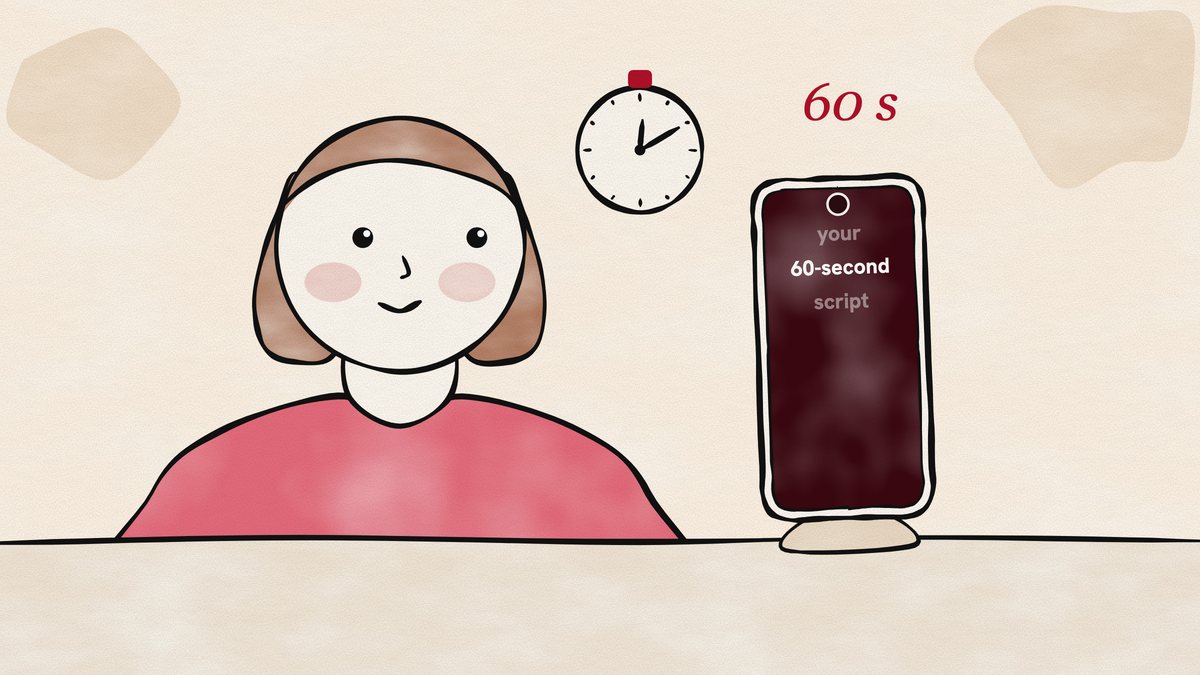
How many words is a 60-second script?
About 150 to 215 words, based on measured rates for reading aloud and for conversation. Here is the arithmetic for 15 seconds to 3 minutes.
How to be confident on camera
You look calmer than you feel. What speaking research says about nerves, "get excited" self-talk and practice, and steps to try before your next take.
How to look at the camera while reading a script
Gaze studies say eye contact survives a few degrees off the lens. Here is how that turns into centimetres on your phone, and where to put the words.
How to memorize a script fast
Rereading feels productive but fades within a week. Memory research points to reciting from memory, spacing and sleep. Here is how to use them.
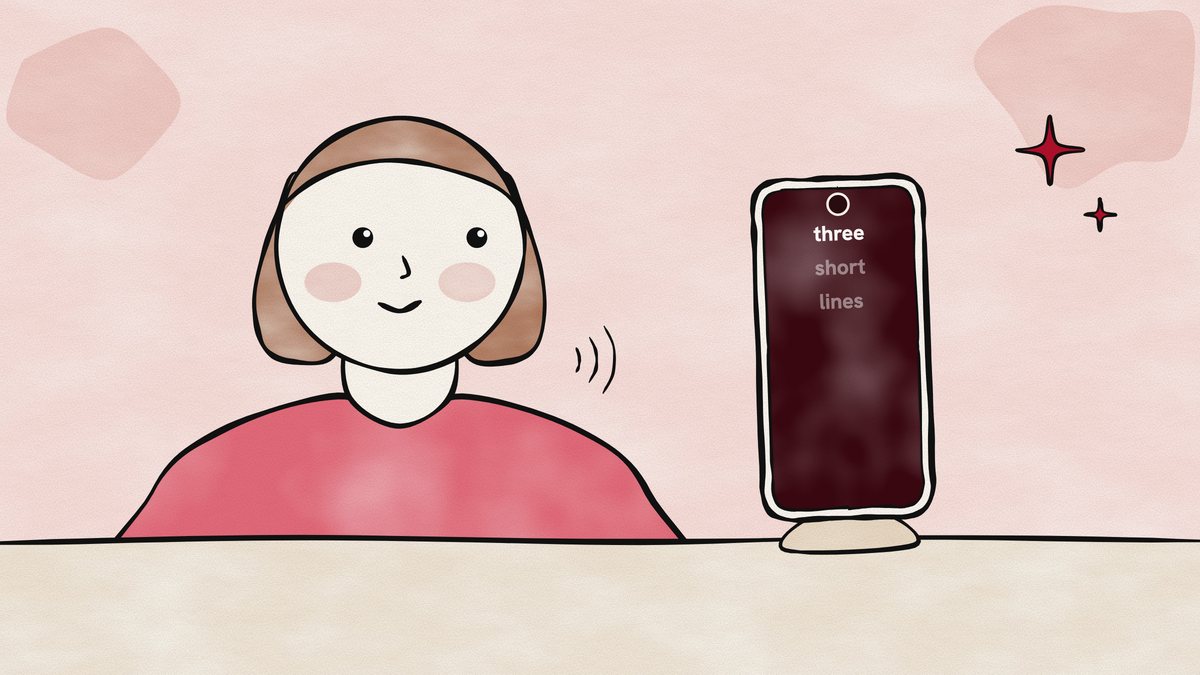
How to read a script without looking like you're reading
Viewers are sharp at spotting where eyes point, yet loose about what counts as eye contact. Use that: short lines, text near the lens, calm pace.
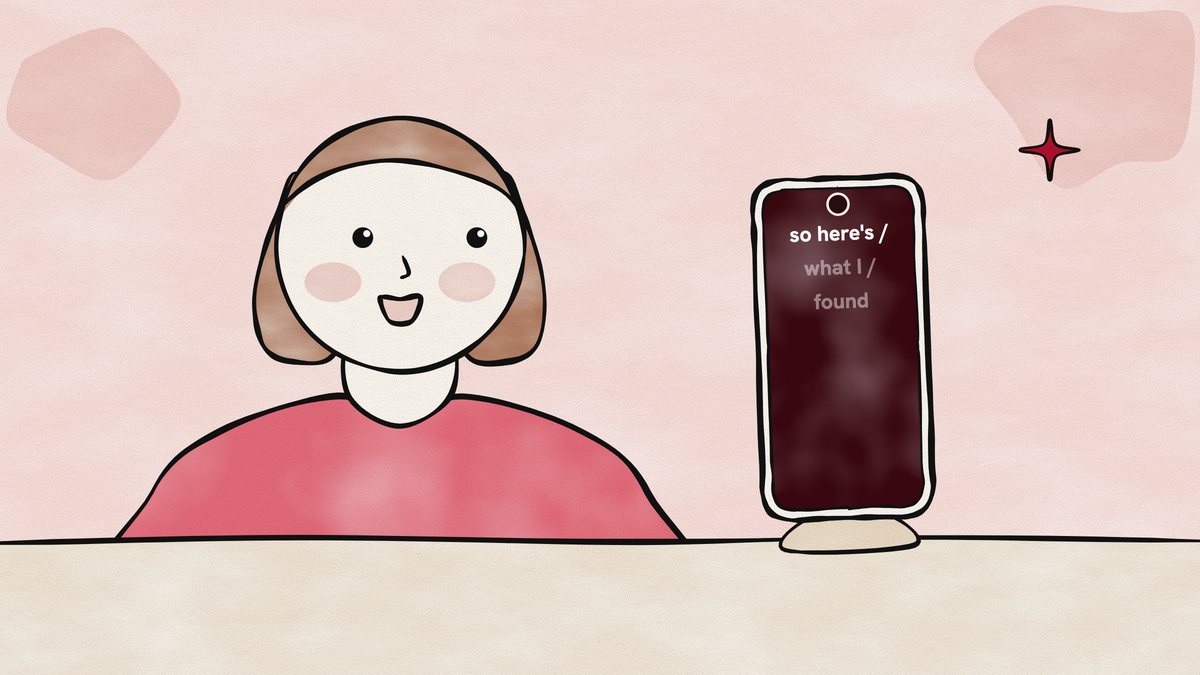
How to sound natural reading a script
Listeners can hear reading even with the words filtered out. What small speech studies show about why scripts sound read, and how to fix yours.
Questions
What is YapPlease?
YapPlease is a teleprompter app for iPhone. Your script sits right under the camera while you film yourself, and it can follow your voice: the text moves as you speak and waits when you pause.
Is there a teleprompter app that follows your voice?
Yes. In YapPlease, Smart follow listens through the microphone and moves the script line by line as you read. Speech recognition runs on your iPhone, so your voice isn't sent anywhere. If you prefer, choose a steady scroll speed instead.
Can I record video while using the teleprompter?
Yes. YapPlease records with the front or back camera while the script runs over the camera view. Every take is saved in the app, and in a YapPlease album in Photos if you allow it.
How much does YapPlease cost?
YapPlease is free to download. Recording and the teleprompter reader need YapPlease Weekly, an auto-renewing subscription at $4.99 a week in the US, with a 3-day free trial for new subscribers. Writing and importing scripts stay free. Prices in other countries are shown in the app before you buy.
Does YapPlease need an account?
No. There is no account and there are no ads. Your scripts, videos and voice stay on your iPhone.

Say it like you mean it.
Free to download. 3-day free trial for new subscribers.
Download on theApp Store